Which Apps Should I Install Before Visiting Seoul?
A small, practical app stack for maps, taxis, restaurant bookings, and translation.
By A Drop of Seoul Editorial ·
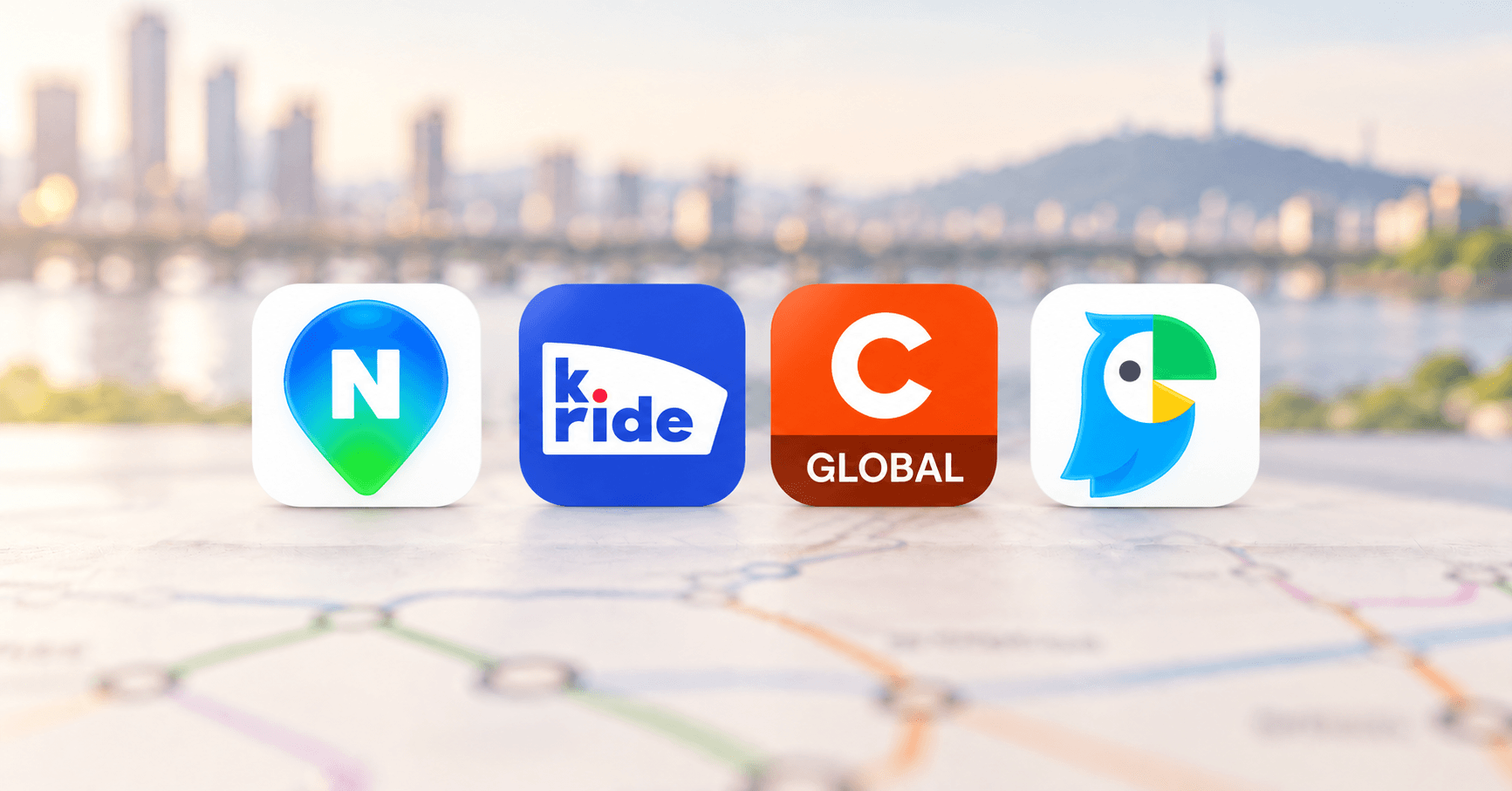
You do not need a folder full of unfamiliar apps to travel well in Seoul. Before you arrive, install one strong local map, one taxi app, one restaurant-booking app, and a translator you trust. Add a backup map only if it helps you feel more comfortable.
Quick answer
Start with Naver Map for local place details and transit, k.ride for taxis, Catchtable Global for restaurant reservations and waitlists, and either Papago or Google Translate for text, voice, and camera translation. Open each app once, choose your language, and complete any sign-in or payment setup while you still have reliable internet.
| App | Best for | Official page |
|---|---|---|
| Naver Map | Local place details, public transport, and walking | Official page |
| k.ride | Taxis for international visitors | Official page |
| Catchtable Global | Restaurant reservations and waitlists | Official page |
| Papago / Google Translate | Text, voice, and camera translation | Papago · Google Translate |
| KakaoMap | Backup routes and nearby places | Official page |
| Google Maps | Saved lists, shared links, and familiar map context | Official page |
Use Naver Map as your local map
Naver Map is the most useful place to begin because it combines Korean place listings with public-transport and walking routes. The English interface also translates many reviews and filters. Save your hotel and first-day destinations before you leave home, and keep the Korean name or address for any hard-to-find business.
For a route-by-route walkthrough, read How do I use Naver Map in English to find my way around Seoul?.
Use k.ride when you want a taxi
k.ride is a real Kakao Mobility service made for international visitors. Its official site describes multilingual use, estimated fares, and card or mobile payment options. Set it up before you need a ride so that registration or payment does not become an airport problem.
Use Catchtable Global for restaurant plans
Catchtable Global is useful for restaurants that take reservations or manage a waitlist through the service. It is not a complete directory of every place in Seoul, so check the restaurant’s own page when you cannot find a listing or when booking rules are unclear.
Choose the translator you already trust
Papago is a Korean translation service from NAVER. Google Translate is the more familiar choice for many travellers. This guide does not claim that one is universally better: both support image or camera translation, which is useful for menus, signs, and appliance controls.
Choose Papago if you want a Korea-focused alternative, or Google Translate if you already know its interface and want broader language coverage. Whichever you choose, test its camera and voice modes before the trip.
Keep one backup map, not three
KakaoMap can be useful when a place or route looks different in Naver Map. Google Maps remains handy for saved lists, links from friends, and familiar map context. Treat these as backups rather than three competing apps you must check for every journey.
Set everything up before you fly
- Choose your preferred language in each app.
- Save your hotel and first-day destinations.
- Keep important Korean names and addresses in a note.
- Complete sign-in and payment setup where required.
- Test camera translation on a menu or sign.
- Take a screenshot of the first airport-to-hotel route, then refresh the live route when you travel.