Can I Use Google Maps in Korea?
Use Google Maps to explore places and reviews, then plan your Seoul journey with a local map
By A Drop of Seoul Editorial Team ·
Seoul-based reporting and human editorial review · How we work
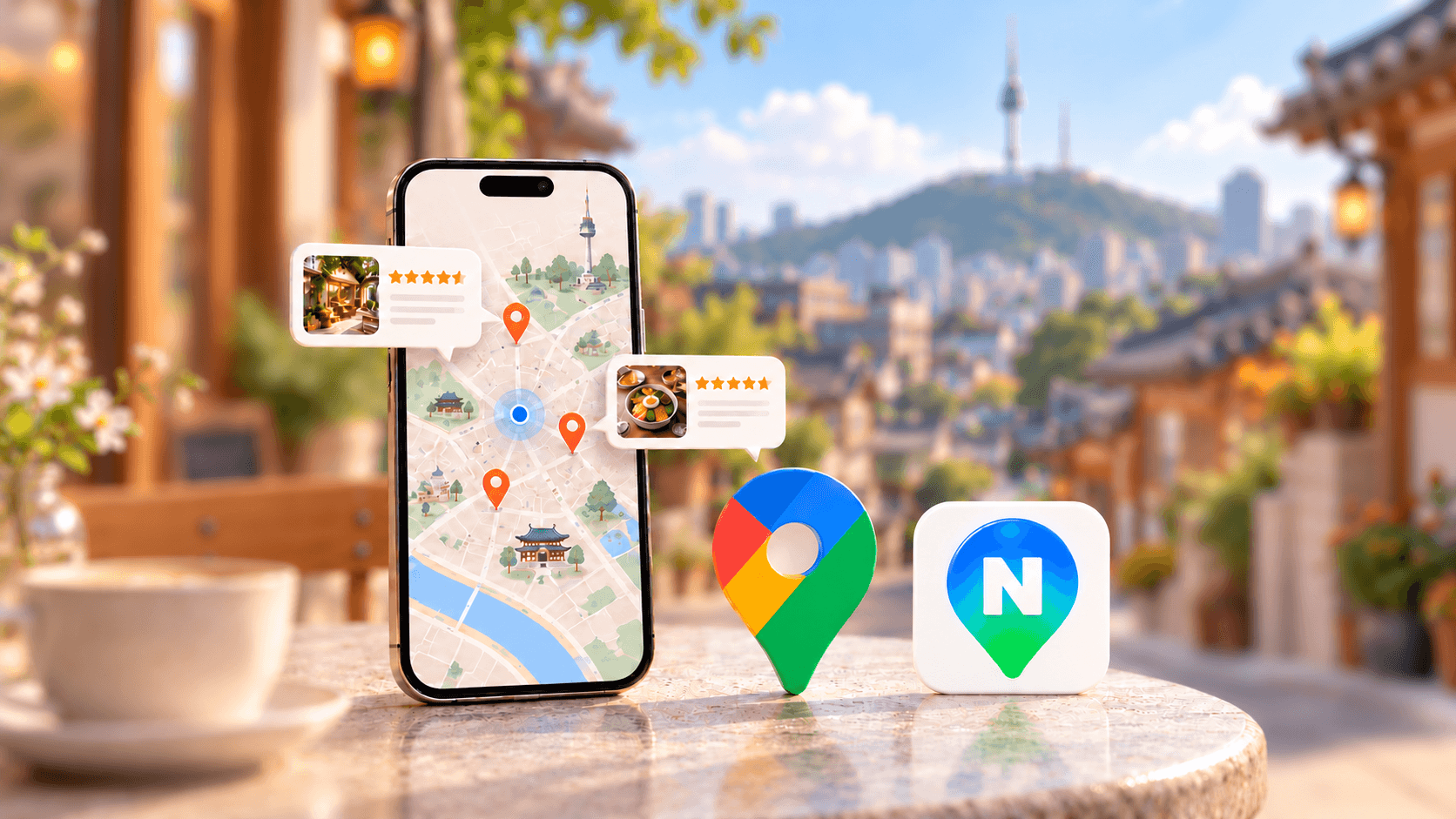
Friends visiting from abroad often ask us some version of the same question: “Why do I need another map app for Seoul?”
It is a reasonable question. You may already have a Google Maps list full of cafés, shops and restaurants. Being told to download something unfamiliar can feel like starting your trip planning all over again.
You do not need to throw that list away. But it helps to understand why finding a place on a map and getting directions to its door have been different experiences in Korea.
Quick answer
Yes—keep Google Maps for saved places, shared links and reviews. Set up Naver Map too, so you can check local place details and plan your route before heading out.
Google Maps has worked differently here because of rules on sending Korean map data abroad. A conditional approval in February 2026 changed that background, but check the route and travel mode you need in the app before relying on it.
Finding a café on a map and getting walking directions to its door are different tasks. You can use different apps for each.
Why has Google Maps worked differently in Korea?
There are two parts to the explanation: Korea's controls on exporting map data, and the way Google operates its mapping service.
In its August 2025 explanation, Google distinguished displaying a map from calculating routes. The company said it could display Korean maps using licensed TMap data, but needed export permission to process data through its global data centers for its proposed directions service. Google's explanation
Korea's security concerns included military facilities and sensitive coordinates. These shaped the conditions attached to the government's later approval. Government announcement
So “Google has no map of Korea” is a misleading explanation. The dispute concerned how particular map data could be processed and transferred for additional services.
Didn't Korea approve Google Maps in 2026?
On February 27, 2026, the government conditionally approved Google's application to export 1:5,000-scale map data. Its announcement specified security treatment of imagery, coordinate restrictions, and processing by a domestic partner on servers in Korea before limited data could be exported. February 2026 decision
That matters when you read older travel advice. An explanation that stops at “the government will not allow the data out” misses this change.
The practical point: approval to export data does not tell you when each feature reaches your phone. Check your actual journey instead of assuming that every travel mode changed at once.
Before you leave, open the route and select the mode you plan to use.
What should I use for my Seoul trip?
We would give each app a clear job.
Keep your existing Google Maps lists for planning. Reviews and photos can also help you decide whether a place belongs on that list. Google Maps translates reviews into your preferred language where supported, so you can read experiences written in other languages without copying each one into a translator.
Look for the details that matter to your visit: how people ordered, whether they waited, and what they thought of the atmosphere. When available, comments from other international visitors can help you picture your own first visit. Use recent reviews and photos as a first check, then confirm the branch and address with the business.
Naver's local reviews are useful too. NAVER supports translations of Korean visitor reviews into English, Chinese and Japanese, so they are not only accessible to Korean readers. If your preferred language is outside those options, Google may be a more comfortable starting point. Even with translation, look for the practical details you need rather than relying on the star rating alone.
Use Naver Map to work through the journey. NAVER's app listing describes English navigation, transit directions and local place search. That makes it a useful starting point for planning how to reach your destination. NAVER's official app listing
You do not need to rebuild a whole holiday list at once. Start with your hotel and tomorrow's first destination. Copy or search the Korean name or address if an English name is ambiguous, then confirm that you have found the same branch.
Once the place is right, check three things: your direction of travel, any transfer, and the station exit. Then look at the building's entrance and floor information. A map pin can get you close while the actual door is around the corner.
A quick check before leaving your hotel
Try your first journey while you have time to compare the results:
-
Enter the exact starting point and destination.
-
Select the mode you intend to use: walking, public transport or driving.
-
Read the whole route, including any walking sections and transfers.
-
Save the destination's Korean address, but refresh directions when you leave.
If the route is missing or looks unclear, check it in your local map before setting off.
Our tip: Read the reviews, choose your place, then check the journey. You do not need to rebuild every saved list to have a useful local map ready.
For the next step, read How to use Naver Map in English. For taxis, bookings and translation, see Which apps should I install before visiting Seoul?.
Reporting note: Official policy and service explanations reviewed on October 18, 2026. This article explains the data-policy background and our planning recommendation; it is not a device-by-device test of current Google Maps navigation availability.